
 Kia Forte: Variant coding
Second generation YD (2014-2018) / Kia Forte TD 2014-2018 Service Manual / Restraint / SRSCM / SRS Control Module (SRSCM) / Variant coding
After replacing the SRSCM with a new unit, the “Variant Coding” procedure
must be performed.
|

Variant coding Procedure
| ■ On-Line type on GDS |
| 1. |
With the ignition "OFF", connect GDS.
|
| 2. |
Ignition "ON" & Engine "OFF" select vehicle name and airbag system.
|
| 3. |
Select Variant coding mode.
|
| 4. |
Follow steps on the screen as below.
|
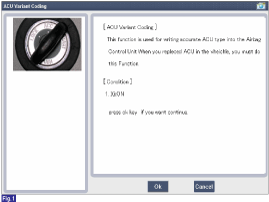
1) Initial ACU Variant Coding screen
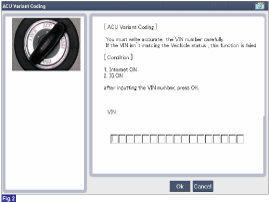
2) VIN Code entering screen
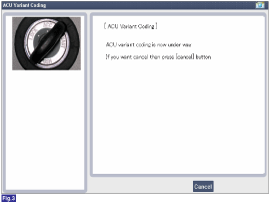
3) Variant coding's proceeding screen-1
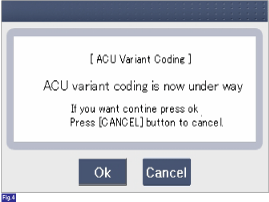
4) Variant coding's proceeding screen-2
5) Variant coding is completed
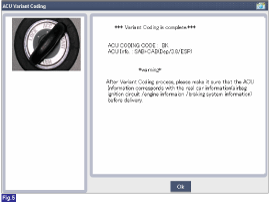
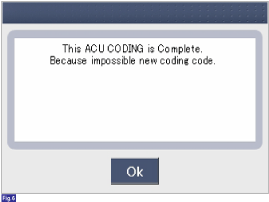
1) This screen is opened when you try the variant coding again
on the SRSCM that already has the variant coding performed.
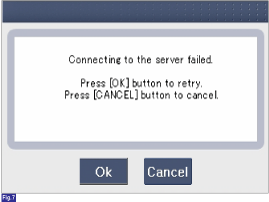
2) If communication fails, the following screen will appear.
|
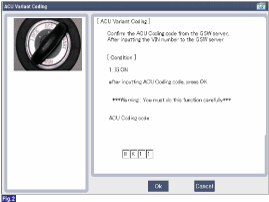
■ Off-line type on GDS (This can be used when not connecting to internet)
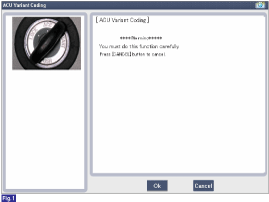
1) Initial ACU Variant Coding screen
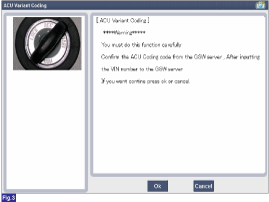
2) ACU Coding Code entering screen
3) Screen of rechecking ACU Coding code's entering
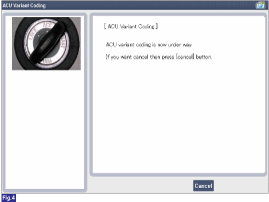
4) Variant coding's proceeding screen-1
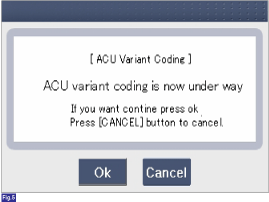
5) Variant coding's proceeding screen-2
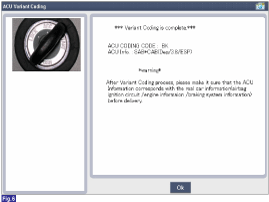
6) Variant coding is completed
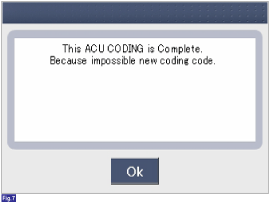
1) This screen is opened when you try the variant coding again
on the SRSCM that already has the variant coding performed.
|
 Installation
1.
Remove the ignition key from the vehicle.
2.
Disconnect the battery negative cable and wait for at least three
minutes before beginning ...
 Front Impact Sensor (FIS)
The front impact sensor (FIS) is installed in the front side member. They
are remote sensors that detect acceleration due to a collision at its mounting
location. The primary purpose of the F ...
See also:
SS-B Solenoid Valve(ON/OFF) Inspection
1.
Turn ignition switch OFF.
2.
Disconnect the Solenoid valve connector.
3.
Measure resistance between sensor ...
Replacement
•
Put on gloves to protect your hands.
...
Oil Pan Installation
1.
Install the oil screen (A) with a new gasket (B).
Tightening torque
Bolt :
19.6 ~ 26.5 N.m (2.0 ~ 2.7 kgf.m, 14.5 ~ 19.5 lb ...
Categories
- Home
- Kia Forte BD 2019-2026 Owners Manual
- Kia Forte BD 2019-2026 Service Manual
- First Generation
- Second generation
- Kia Forte TD 2014-2018 Owners Manual
- Kia Forte TD 2014-2018 Service Manual

Copyright © www.kifomanual.com 2014-2026